How To Use
Learn how to create projects, design on the canvas, use AI tools, and export your work efficiently.
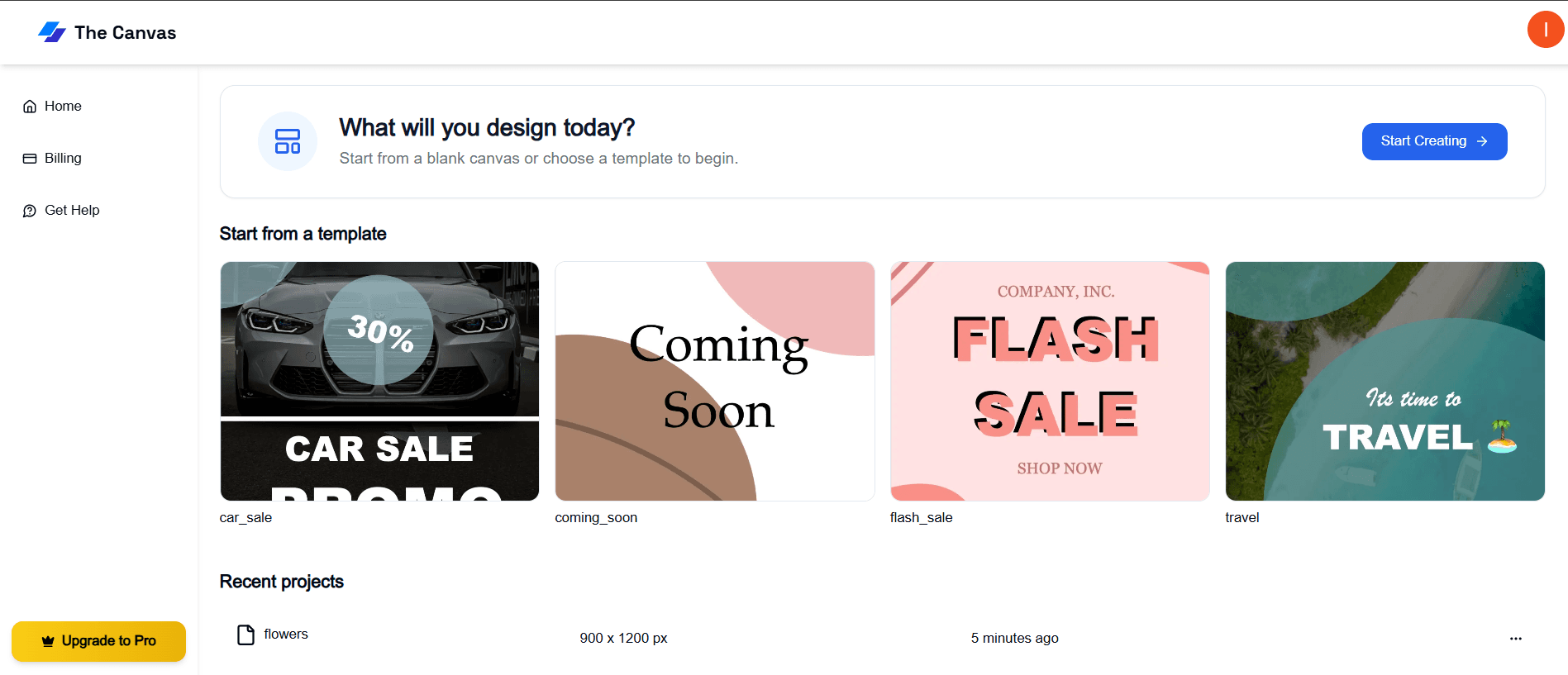
Dashboard & Home
- •Sign up or log in to access your dashboard
- •Create a new project from the banner
- •Choose from ready-made templates
- •Continue editing existing projects anytime
Project Management
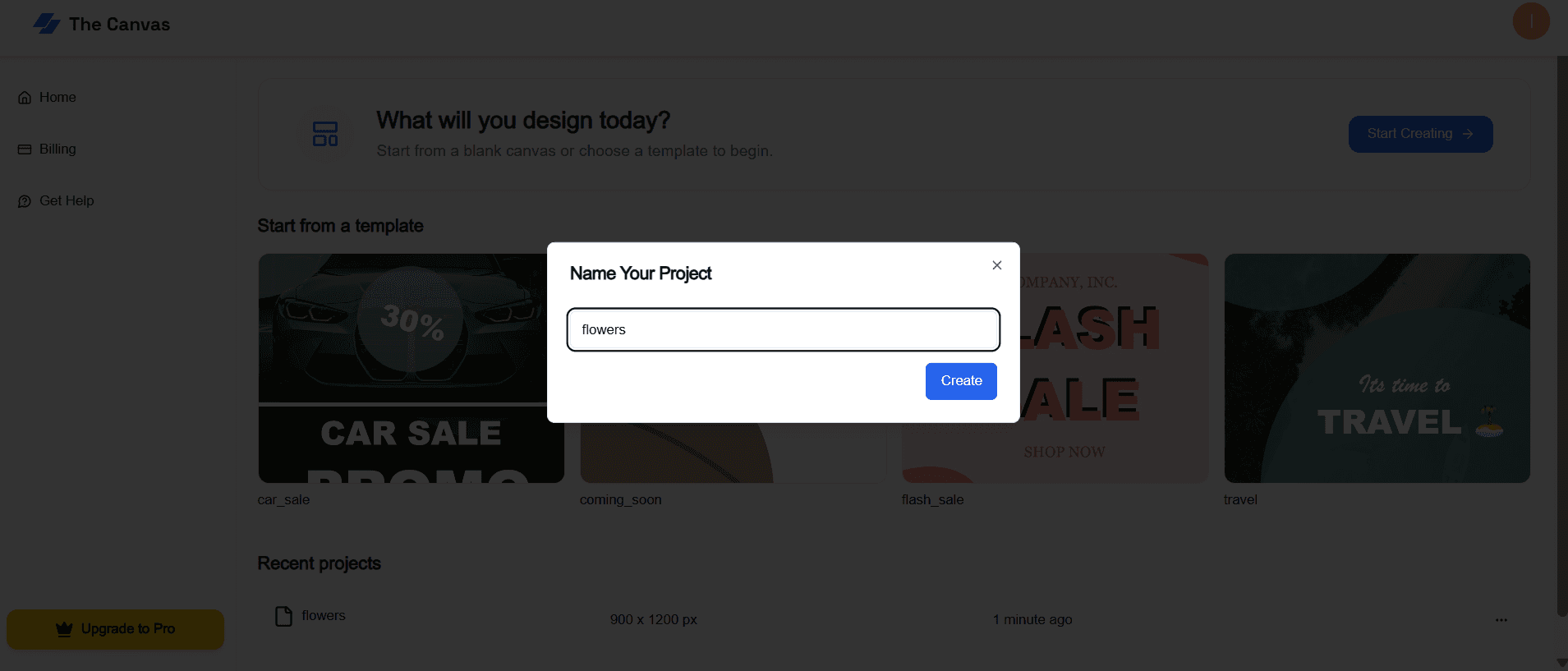
- •Name your project and open it in the editor
- •All projects are auto-saved automatically
- •Resume editing exactly where you left off
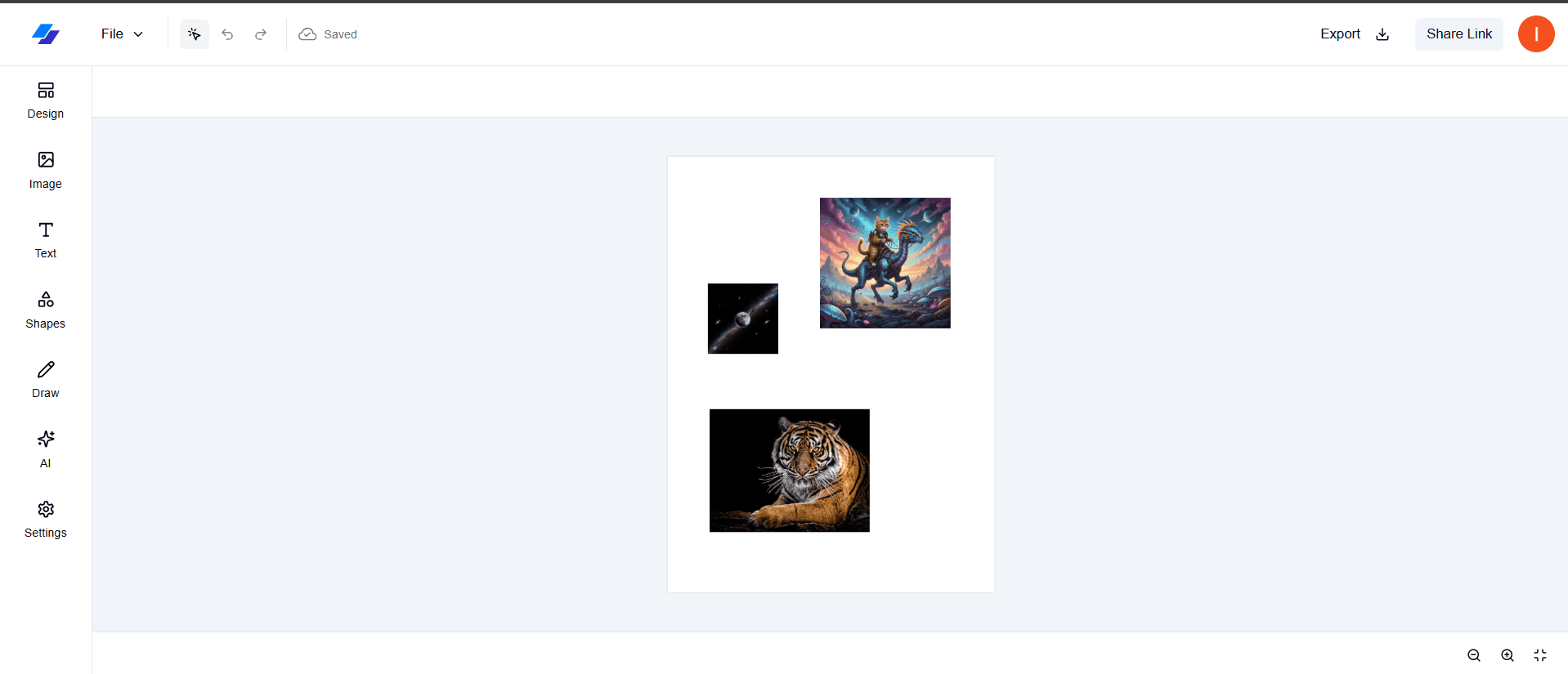
Editor Canvas & Tools
- •Design freely on a flexible canvas
- •Sidebar tools: Images, AI, Text, Shapes, Draw
- •Customize colors, layout, and settings
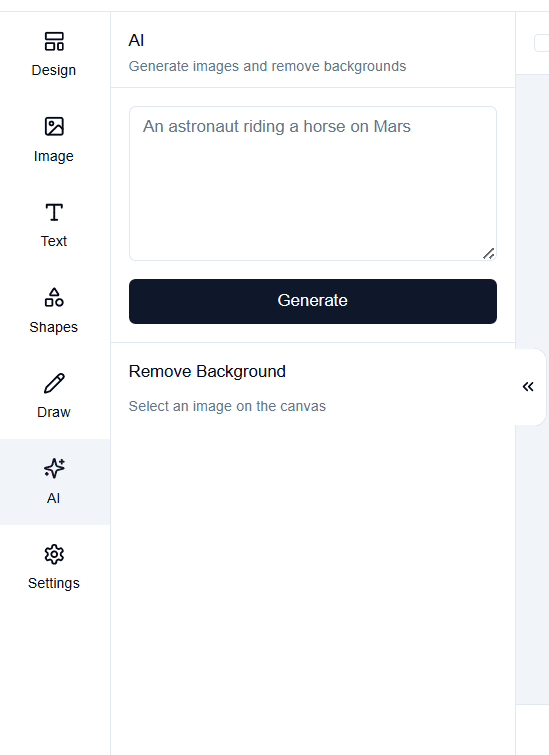
AI-Powered Features
- •Generate AI images directly inside the editor
- •Remove image backgrounds instantly
- •AI features require a Pro subscription
Share & Export
- •Share your design via a public link
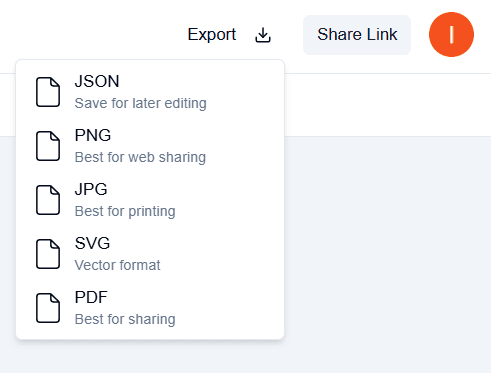
- •Export as PDF, PNG, JPG, SVG, or JSON
- •Ideal for collaboration and downloads
Free & Pro Features
Unlimited projects and editor tools are free. Upgrade to Pro to unlock AI-powered features.